If you're tired of answering the same questions about WiFi passwords, parking spots, and door codes multiple times every week, you're not alone. Most Airbnb hosts spend hours fielding repetitive pre-arrival questions that could easily be answered with a single, well-organized resource. A digital guest guide eliminates this frustration by giving guests instant access to everything they need to know before they even arrive, dramatically reducing your message volume and freeing up your time for more important hosting tasks.
The beauty of moving information into a digital format is that guests can access it immediately after booking, on any device, without waiting for you to respond. This shift transforms the pre-arrival experience from a back-and-forth messaging marathon into a smooth, self-service process that benefits everyone involved.
Why Guests Ask So Many Pre-Arrival Questions
Guests flood hosts with pre-arrival questions because they're anxious about the unknown and need reassurance that everything will go smoothly. This pre-check-in anxiety is completely natural, especially for first-time Airbnb users or those traveling to unfamiliar areas. When critical information isn't immediately available, guests default to asking questions rather than searching through lengthy listing descriptions or scrolling through message threads.
The Most Common Questions Hosts Receive
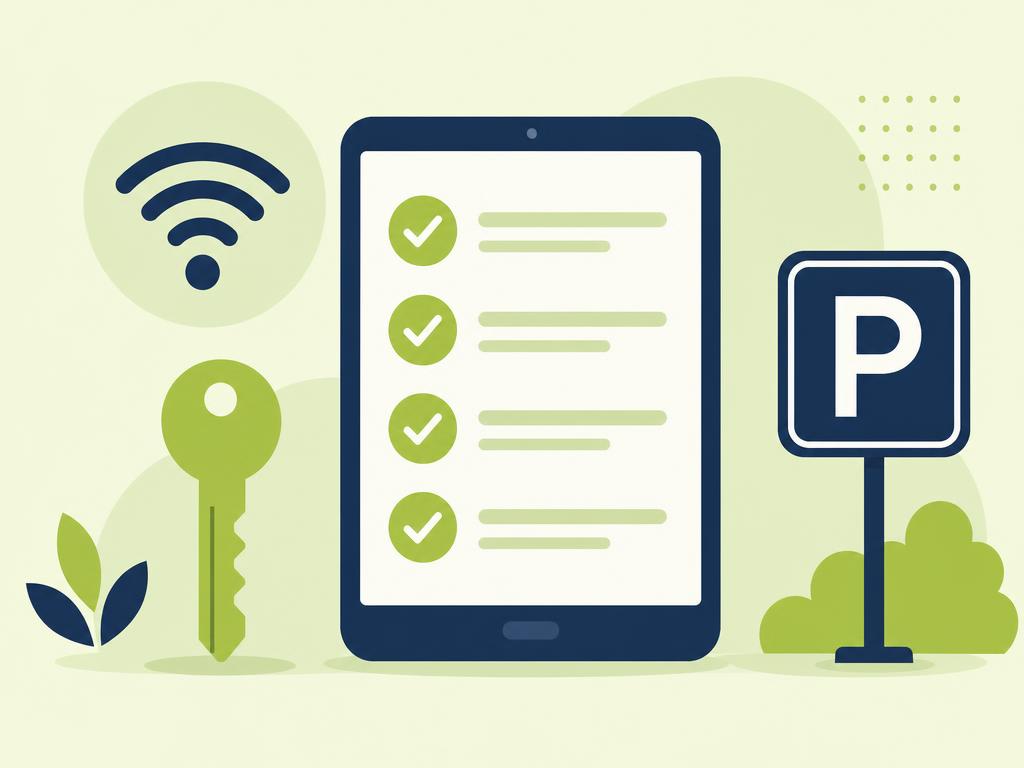
The same handful of questions appear in nearly every host's inbox before guest arrival. WiFi passwords top the list, followed closely by parking locations, check-in procedures, door codes, thermostat instructions, and coffee maker locations. Guests also frequently ask about nearby restaurants, grocery stores, emergency contacts, and trash disposal procedures. What makes these questions particularly frustrating is that most hosts have already included this information somewhere in their listing or welcome materials, but guests either can't find it or don't bother looking.
Many hosts notice patterns in when these questions arrive. The morning of check-in brings a surge of "How do I get in?" messages, while evening bookings generate "Where should I park?" questions during rush hour. Weekend arrivals often include "What restaurants are nearby?" inquiries from guests who haven't planned ahead.
Why Airbnb Listing Descriptions Fail
Your Airbnb listing description simply wasn't designed to serve as a comprehensive information hub. The platform limits how much detail you can include, and most guests only skim the description when initially booking. By the time they need specific information like WiFi instructions or door codes, they've often forgotten where to find it. Mobile users face an even bigger challenge, as navigating back through booking confirmations and listing details on a small screen feels cumbersome.
Listing descriptions also become outdated quickly. When you change your WiFi password, update parking instructions, or modify check-in procedures, you need to edit multiple places across your listing, automated messages, and any printed materials. This fragmentation creates inconsistencies that generate even more confused guest questions.
Guest Anxiety Before Check-In
Pre-arrival anxiety drives most unnecessary questions, particularly for guests who have had negative experiences with previous rentals. They worry about arriving late without access codes, parking in the wrong spot and getting towed, or missing important house rules that could result in penalties. This anxiety intensifies when hosts don't respond quickly, creating a cycle where nervous guests send multiple follow-up messages about the same topics.
Want to eliminate repetitive guest questions entirely? Create a comprehensive digital guide that answers everything before guests even think to ask.
Start for freeWhat Information to Include in Your Guide
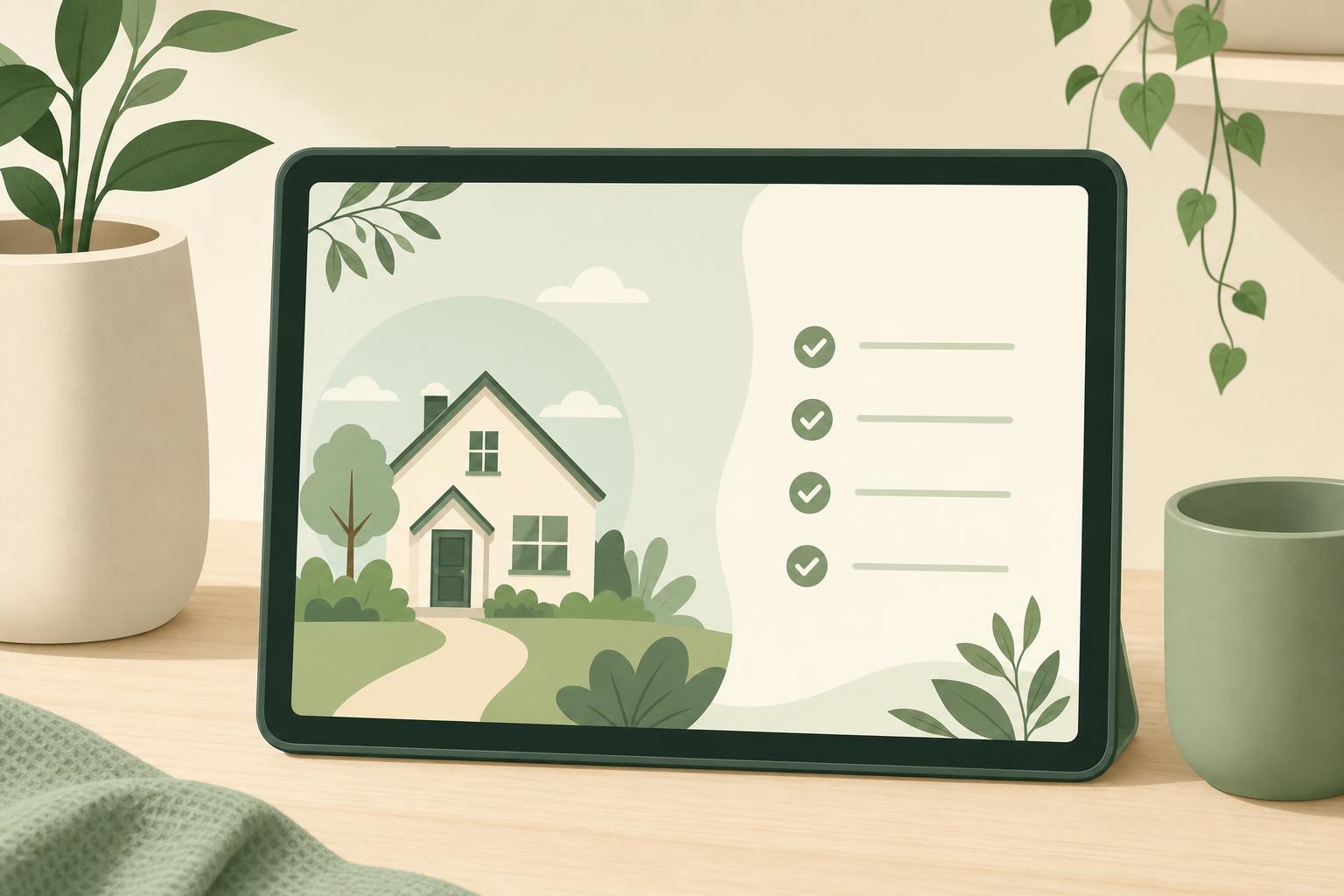
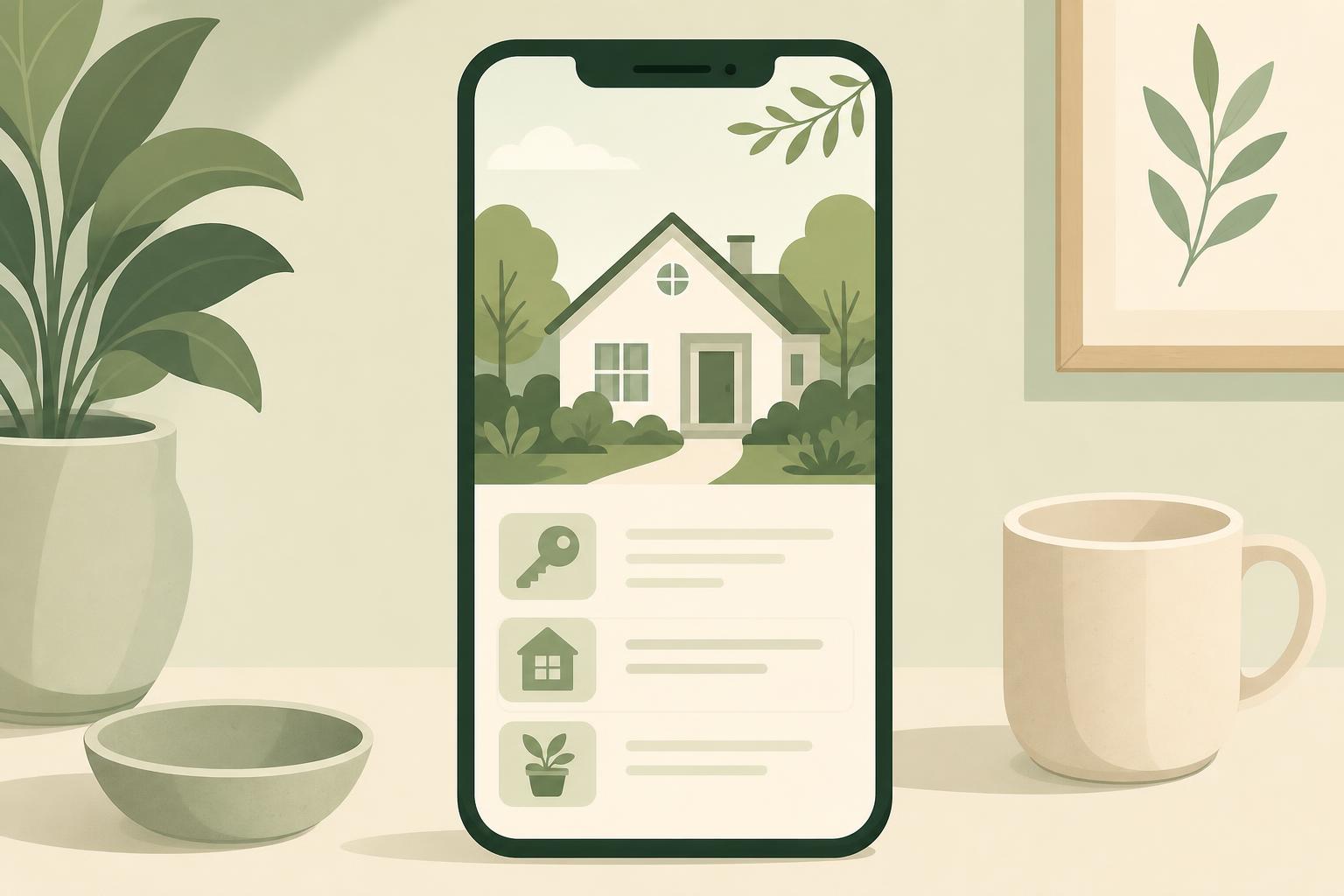
Your digital guest guide should contain every piece of information a guest might need from booking through checkout, organized in a logical, easy-to-navigate format. The goal is to anticipate questions before they're asked and provide answers in a location guests can access instantly without scrolling through message threads or calling you at inconvenient times.
Check-In Details and Access Codes
Start with the most critical information: exactly how guests will access your property. Include detailed self check-in instructions with step-by-step directions from the parking area to the front door. Provide all access codes, lockbox combinations, smart lock instructions, and building entry procedures. Include photos or videos showing the exact location of lockboxes, hidden keys, or keypad entry systems.
Don't assume anything is obvious. Specify which door to use if you have multiple entrances, describe any tricky locks or doors that stick, and explain how to properly secure the property when leaving. If your check-in process involves multiple steps, number them clearly and include troubleshooting tips for common issues.
WiFi and Parking Instructions
Place WiFi network names and passwords prominently near the top of your guide, as this is typically the first thing guests look for after settling in. Include instructions for connecting multiple devices and troubleshooting tips if the connection fails. For properties with multiple networks or WiFi extenders, explain which areas have the best signal strength.
Parking instructions prevent countless headaches and potential towing incidents. Describe exactly where guests can and cannot park, including any permit requirements, overnight restrictions, or loading zone limitations. Include photos of the correct parking spots, especially for properties in dense urban areas or apartment complexes with confusing layouts. Mention alternative parking options and their associated costs if your primary parking is full.
House Rules and Essential Guidelines
Transform your house rules from a boring list into an engaging, easy-to-follow guide. Explain the reasoning behind important rules to increase compliance. Instead of simply stating "No smoking," explain that smoke detectors are highly sensitive and will trigger the fire department. Rather than "Quiet hours 10 PM to 8 AM," mention that you've had noise complaints from neighbors in the past and want to maintain good relationships in the community.
Include practical information about trash and recycling procedures, thermostat settings, appliance operation, and any quirks about your property that guests should know. If your shower requires a specific technique or your oven runs hot, mention it proactively rather than waiting for confused messages or potential damage.
Emergency Contacts and Local Recommendations
Provide a clear hierarchy of emergency contacts, starting with who to reach for property issues, then escalating to emergency services if needed. Include your preferred contact method and typical response time, along with backup contacts if you're unavailable. List important numbers like the nearest hospital, poison control, and local non-emergency police lines.
Round out your guide with curated local recommendations that reflect your actual knowledge of the area. Skip generic tourist traps and instead share your favorite neighborhood coffee shop, the best breakfast spot within walking distance, and the grocery store you actually use. Guests appreciate authentic recommendations far more than exhaustive lists copied from tourism websites.
How to Share Your Digital Guide Effectively
Creating a comprehensive guide is only half the battle; you also need to ensure guests actually see it and know how to access it throughout their stay. Strategic distribution at multiple touchpoints maximizes the chances that guests will use your guide instead of messaging you with questions.
Send the Link Immediately After Booking
The moment a booking is confirmed, send guests a direct link to your digital guide through a warm welcome message. This immediate access sets the tone for a smooth experience and gives guests plenty of time to review all the information before their arrival date. Your check-in message template should highlight the guide as their primary resource for all property information.
Timing matters significantly. Guests who receive the guide link within the first hour of booking are far more likely to explore it thoroughly than those who receive it buried in a longer message a day before check-in. Make the link prominent and explain that it contains everything they'll need, from access codes to restaurant recommendations.
Add QR Codes to Your Listing and Messages
QR codes provide instant access with a simple smartphone scan, eliminating the need for guests to type long URLs or search through message threads. Place QR codes in your listing photos, particularly in shots of your welcome area or coffee table. You can also include QR codes in any printed materials at the property itself, creating a seamless bridge between physical and digital information.
Generate a clean, professional QR code that links directly to your guide and test it thoroughly before distribution. Consider creating a small printed card with the QR code and a brief explanation that you can photograph for your listing or leave at the property entrance for guests who arrive before reading their messages.
Include Guide Access in Automated Messages
Build the guide link into all your automated message sequences, not just the initial booking confirmation. Mention it again in your pre-arrival message 24 hours before check-in, your day-of check-in message, and even your checkout reminder. Repetition ensures guests can always find the link when they need it, regardless of when they start looking for information.
Frame each mention differently to avoid sounding repetitive. The booking confirmation might say "Everything you need is in your digital guide," while the pre-arrival message could say "Don't forget to check the guide for tomorrow's check-in instructions," and the check-in day message might reference "Review the guide for your access codes and WiFi password."
Measuring the Impact on Message Volume
Tracking the effectiveness of your digital guide helps you refine your approach and justify the time invested in creating comprehensive resources. Concrete metrics demonstrate the return on investment and highlight areas where guests still have unanswered questions.
Track Questions Before and After Implementation
Establish a baseline by counting how many pre-arrival questions you received in the month before implementing your guide. Categorize questions by type so you can identify which topics your guide addresses most effectively. After launching your guide, track the same metrics for at least a month to see the reduction in message volume.
Most hosts see a 40 to 60 percent decrease in pre-arrival questions within the first month of using a comprehensive digital guest guide. Questions that nearly disappear include WiFi passwords, parking instructions, and basic check-in procedures. The questions you still receive often reveal gaps in your guide that need additional detail or clarification.
Monitor Your Airbnb Responsiveness Rating
Your Airbnb responsiveness rating improves dramatically when you're not scrambling to answer routine questions. With fewer messages to manage, you can respond faster to the important questions that do come through, maintaining a high response rate and quick response time. These metrics directly influence your search ranking and can increase your booking rate by making your listing more visible to potential guests.
Check your host dashboard regularly to see how your response metrics trend over time. You should notice not only fewer messages but also more breathing room to provide thoughtful, personalized responses to unique questions rather than copying and pasting the same information repeatedly.
Guest Feedback and Review Mentions
Pay attention to how guests mention your guide in reviews and private feedback. Positive comments about helpful information, easy check-in, or feeling well-prepared indicate that your guide is working as intended. Reviews that specifically mention how easy it was to find information or how organized everything felt validate your effort and encourage other hosts to follow your example.
Conversely, reviews that still express confusion about basic procedures or mention difficulty finding information suggest areas where your guide needs improvement. Use this feedback to continuously refine your content, add more detail where needed, and reorganize sections for better clarity.
Conclusion
Reducing pre-arrival guest questions isn't about being less helpful; it's about being more efficient with your help. A well-crafted digital guest guide transforms the pre-arrival experience from a stressful messaging marathon into a smooth, professional process that impresses guests and reclaims hours of your time every week. By anticipating common questions and providing instant access to answers, you create a better experience for guests while dramatically reducing your day-to-day hosting workload.
The investment you make in building a comprehensive guide pays dividends with every booking, as guests arrive confident and prepared rather than anxious and confused. Your message volume drops, your responsiveness ratings improve, and your reviews reflect the seamless experience you've created. The key is ensuring every piece of information a guest might need is included, organized logically, and accessible from the moment they book.
Ready to stop answering the same questions over and over? Create your digital guest guide today and start enjoying the freedom of hosting without constant interruptions. Your future self will thank you when you're sipping coffee instead of typing out WiFi passwords for the tenth time this week.