The laminated folder sitting on your Airbnb coffee table is outdated before you even print it. WiFi passwords change, restaurants close, and local events come and go, but that physical welcome folder stays frozen in time. Smart hosts in 2025 are solving this problem with a hybrid approach that keeps guests informed without creating a maintenance nightmare. The secret is knowing exactly what information belongs on paper and what should live in your digital guidebook.
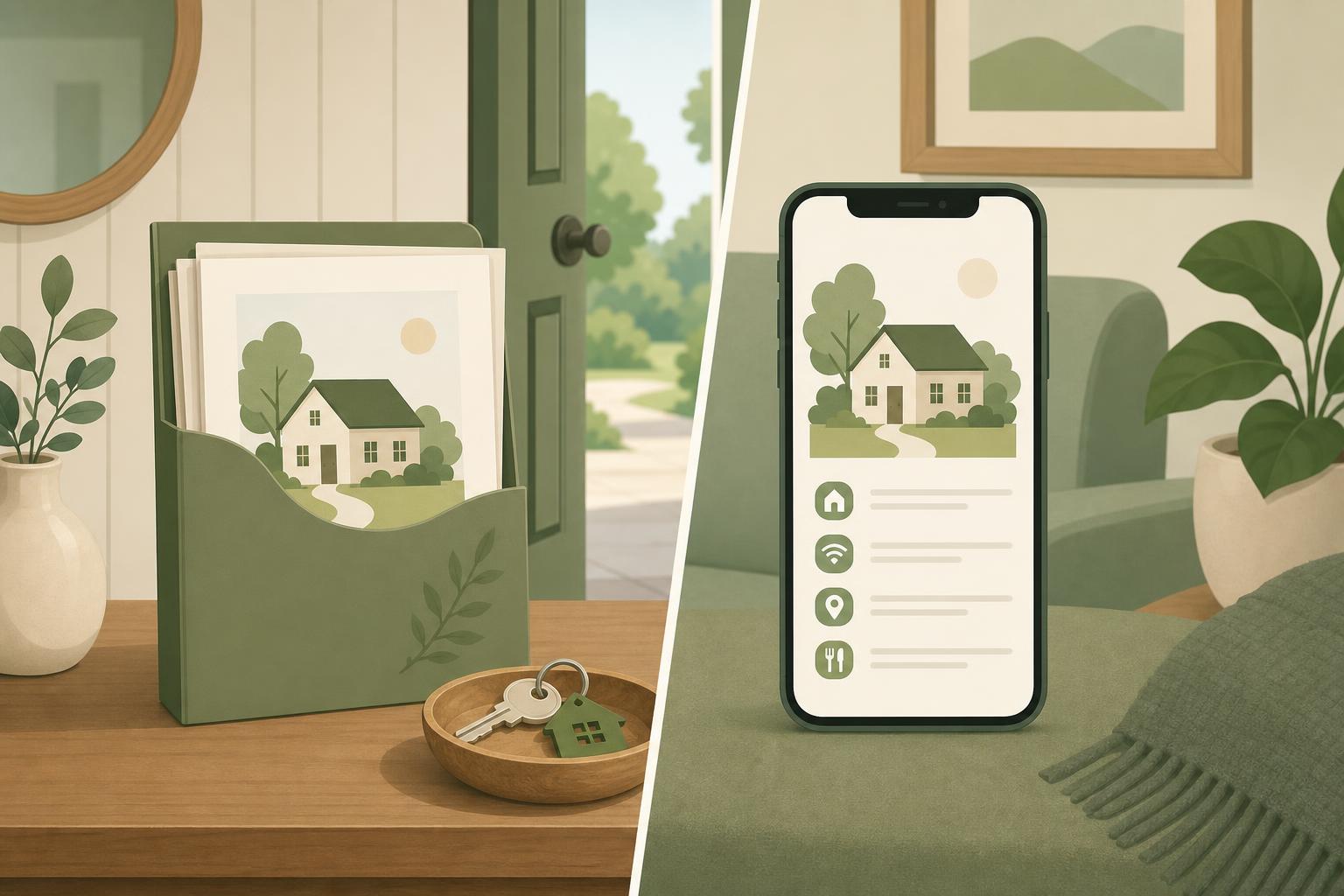
This strategic split isn't about abandoning physical touches entirely. It's about using each format for what it does best. Physical items create immediate impact for time-sensitive needs, while digital guides handle the comprehensive information that changes regularly. The hosts seeing the highest satisfaction ratings are those who've mastered this balance, keeping their physical presence minimal but meaningful while letting digital tools do the heavy lifting.
Why Hybrid Welcome Experiences Win
Hybrid welcome systems outperform single-format approaches because they address different guest needs at different moments. When guests first arrive, they want instant access to WiFi and emergency contacts without searching through apps. Later that evening, they'll happily browse restaurant recommendations and hiking trails on their phones. This natural behavior pattern explains why purely digital setups often feel cold, while purely physical folders become ignored reference books gathering dust.
The shift from physical-only to strategic hybrid
Five years ago, comprehensive physical welcome books were the gold standard. Hosts competed to create the thickest, most detailed binders possible, cramming in every possible piece of information. The unintended consequence was information overload. Guests faced 40-page binders when they just needed the WiFi password, and hosts spent hours updating printed materials every few months. The pandemic accelerated the shift toward contactless, digital-first communication, but it also revealed what physical items guests actually missed having immediately available.
What guests actually want in 2025
Today's guests expect instant access to critical information and comprehensive details for everything else. They want WiFi credentials the moment they walk in, not after downloading an app or checking email. They appreciate having emergency numbers posted physically where they can find them during a crisis. But for house rules, local recommendations, and detailed instructions, they're perfectly happy to access a digital guest guide compared to printed books. This preference isn't about technology adoption, it's about context and timing.
The maintenance problem with traditional folders
Traditional welcome folders create an ongoing maintenance burden that many hosts underestimate. A restaurant closes, a WiFi password changes, or local regulations update, and suddenly your printed materials are spreading outdated information. Multiply this across multiple properties, and hosts find themselves in a constant cycle of reprinting and replacing pages. Digital guides solve this by allowing instant updates across all properties simultaneously, but they can't replace the convenience of physical items for immediate-access information.
Ready to eliminate the update headache? Create a digital guest guide that stays current automatically while keeping your physical touchpoints simple and effective.
Start for freeWhat Stays in Your Physical Folder
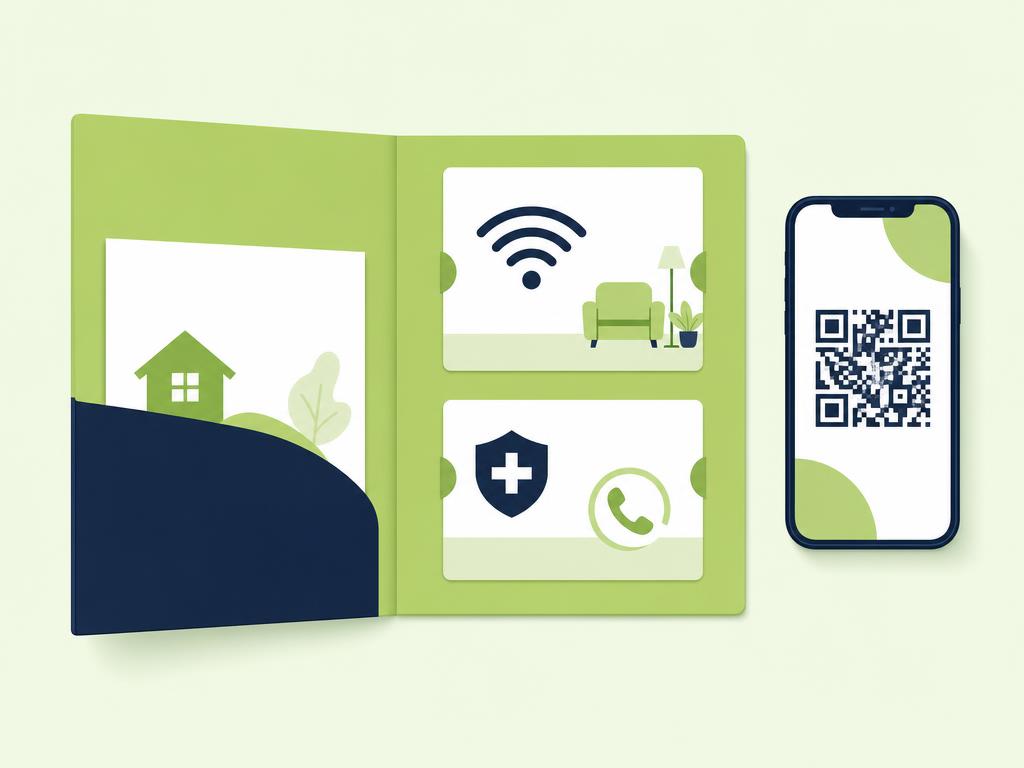
Your physical folder should contain only information guests need immediately or during emergencies when they might not have their phone readily available. This focused approach keeps your physical materials slim, attractive, and actually useful rather than overwhelming. Think of your physical folder as the quick-reference card, not the encyclopedia.
WiFi credentials and network information
WiFi information is the single most important item for your physical folder. Guests need internet access immediately to communicate with family, check work messages, or simply relax with streaming content. Include the network name, password, and any specific connection instructions for tricky routers. If you have a guest network separate from your smart home devices, explain this clearly. Consider creating a small, attractive card that can sit near the router as a backup to the folder version.
Emergency contacts and safety information
Emergency information must be physically posted because guests experiencing a crisis shouldn't need to unlock phones or search for apps. Include your property manager contact number, local emergency services, the nearest hospital address, and the property address itself for guests to relay to emergency services. Add locations of fire extinguishers, first aid kits, and emergency exits. This information rarely changes, making it perfect for physical format.
Appliance quick-start guides
Complex appliances benefit from physical quick-start cards placed directly near the appliance. A laminated card showing how to start the European-style washer, operate the smart thermostat, or ignite the gas fireplace saves guests frustration and saves you from repetitive messages. Keep these instructions to three to five steps maximum. If the appliance requires more detailed explanation, that belongs in your welcome experience digital guide.
Local business cards worth keeping
A small selection of physical business cards for your most trusted local services adds value without creating maintenance issues. Include cards for reliable taxi services, pizza delivery, or a recommended restaurant that takes reservations. Limit this to five to seven cards maximum. These cards rarely need updating, and having them physical means guests can grab one on their way out the door.
Packaging your physical folder
How you present your minimal physical folder matters as much as what's in it. Use a slim, attractive folder or small basket rather than a bulky binder. A simple kraft folder with your property branding or a small wooden box creates a welcoming aesthetic while keeping contents organized. Place it prominently on the kitchen counter or coffee table where guests will immediately notice it. Include a brief note explaining that comprehensive information is available in your digital guide.
What Moves to Your Digital Guide
Digital guides excel at housing comprehensive, frequently updated, and context-rich information that guests can browse at their leisure. Moving these categories digital eliminates maintenance headaches while actually improving the guest experience through searchability and multimedia content.
Complete house manual and property instructions
Detailed operational instructions for every system in your property belong in your digital guide. This includes heating and cooling systems, entertainment setups, kitchen appliances, outdoor equipment, and smart home devices. Digital format allows you to include photos, diagrams, and even video demonstrations that paper can't match. You can organize this information by room or category, making it easy for guests to find exactly what they need when they need it. Following a proven welcome book template ensures you cover all essential property details.
Local recommendations and neighborhood guide
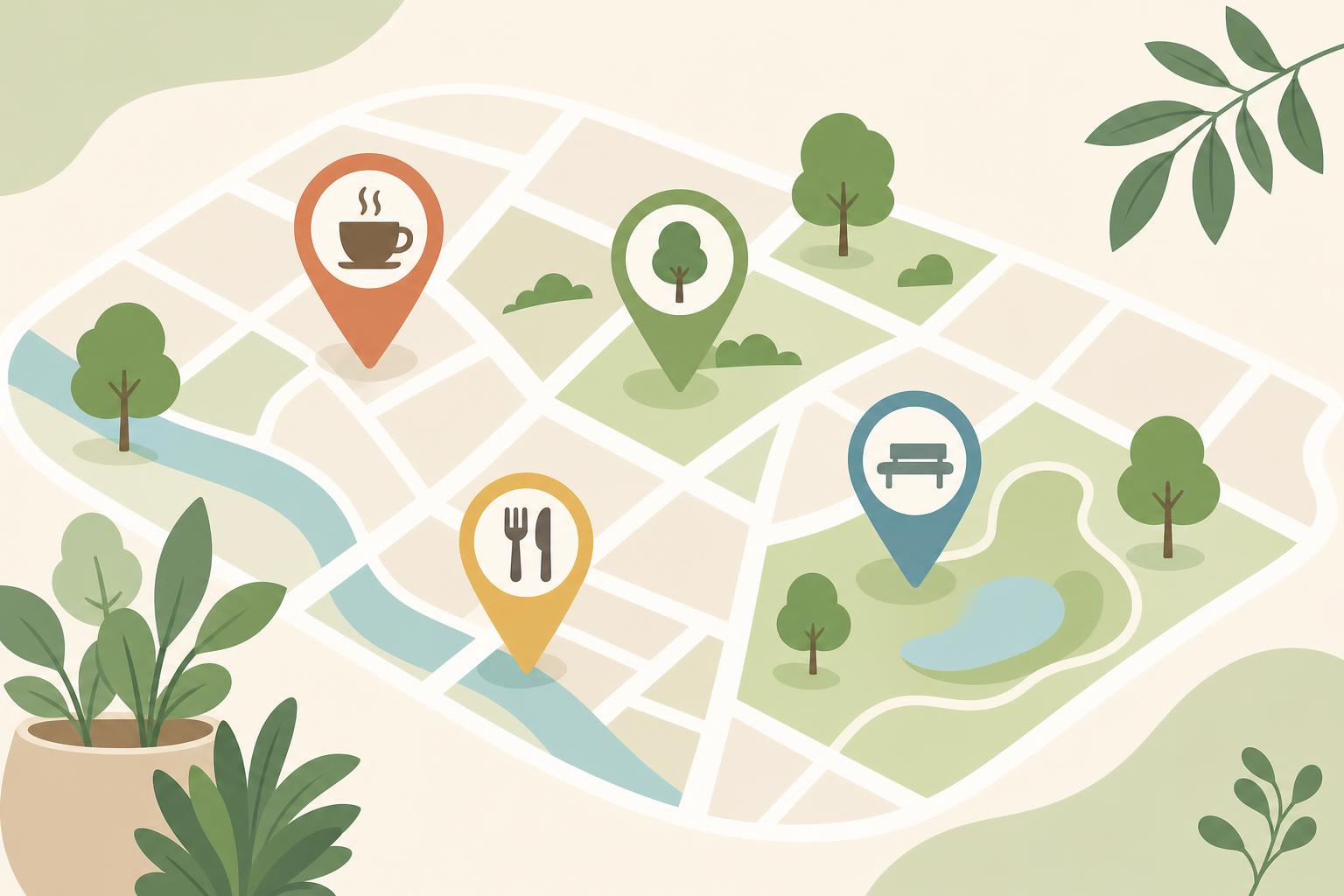
Your curated local recommendation ideas shine in digital format. You can organize restaurants by cuisine type, include direct links to menus and reservation systems, add photos of dishes, and update recommendations when businesses close or new favorites open. Include hiking trails with difficulty ratings, family activities organized by age group, and seasonal events. Digital format lets you provide much richer detail than any physical folder could accommodate.
Check-in and check-out procedures
Step-by-step arrival and departure instructions work better digitally because guests can access them before arrival and refer back during checkout. Include parking details, lockbox codes, door lock instructions, and your preferred checkout procedures. You can send this information via message before arrival and have it permanently available in your digital guide. This redundancy ensures guests always have access without cluttering your physical folder.
House rules and policies
Comprehensive house rules, policies, and expectations belong in your digital guide where you have space to explain the reasoning behind rules. Cover noise policies, guest limits, pet guidelines, smoking rules, and any property-specific requirements. Digital format allows you to link to local ordinances or homeowner association rules if relevant. You can also include information about your cleaning standards and what guests should expect.
Seasonal updates and time-sensitive information
Anything that changes seasonally or regularly must live digitally. This includes seasonal activity recommendations, weather-specific tips, holiday event information, and temporary local changes like road construction. You can update this information instantly across all guest touchpoints without reprinting a single page. This keeps your recommendations current and valuable throughout the year.
Setting Up Your Hybrid System
Creating an effective hybrid system requires thoughtful initial setup and a simple maintenance routine. The goal is creating a system that works seamlessly for guests while remaining sustainable for you as a host.
Creating your minimal physical folder
Start by listing everything currently in your physical welcome materials. Sort this list into three categories: immediate need, emergency access, and everything else. Only the first two categories stay physical. Create clean, professional-looking documents for WiFi information and emergency contacts. Design these to fit your property's aesthetic. Print on quality paper or cardstock and laminate items that might get handled frequently. Assemble everything in an attractive, slim folder that takes up minimal space.
Building your digital companion guide
Transfer all remaining content into a structured digital guide. Organize information logically by topic or room, and use clear headings that match how guests think about their needs. Include high-quality photos wherever helpful. Write in a friendly, conversational tone that matches your hosting style. Test your digital guide by having someone unfamiliar with your property use it to complete common tasks like connecting to WiFi or finding restaurant recommendations.
How to introduce guests to both resources
Your introduction to the hybrid system should happen at multiple touchpoints. In your pre-arrival message, mention that you've created a comprehensive digital guide and note what items are available physically in the property. Place a welcome note in your physical folder explaining that detailed information is available in the digital guide, with clear instructions for accessing it. Consider a small sign near your physical folder with a QR code linking directly to your digital guide.
Maintenance schedule for each component
Physical materials need checking only when something fundamental changes, perhaps quarterly or when you update WiFi passwords. Set calendar reminders to verify emergency contact accuracy every six months. Your digital guide requires more frequent attention, but updates take minutes rather than hours. Review local recommendations monthly, update seasonal content as seasons change, and revise house instructions whenever you add or change appliances. This maintenance rhythm keeps information current without overwhelming your schedule.
Conclusion
The most effective Airbnb welcome folders in 2025 aren't folders at all, they're strategic hybrid systems that use physical and digital formats for what each does best. By keeping your physical presence focused on immediate-access essentials like WiFi and emergency contacts, you create instant value for arriving guests. Moving comprehensive instructions, local recommendations, and frequently updated content to a digital format eliminates the maintenance burden while actually improving the guest experience through richer, more current information.
This hybrid approach isn't about choosing between old and new methods. It's about recognizing that different types of information serve guests better in different formats. Your physical folder creates that warm, tangible welcome moment, while your digital guide provides the depth and flexibility that modern guests expect. Together, they create a seamless information experience that helps guests feel immediately comfortable and fully informed throughout their stay.
Setting up your hybrid system takes an afternoon, but the benefits last for years. You'll spend less time updating materials, field fewer guest questions, and receive better reviews for clear communication. Start creating your digital guest guide today and discover how much easier hosting becomes when your information system works with you, not against you.