When a guest smells gas at 2 AM or can't figure out how to reset a tripped circuit breaker, they won't methodically read through your beautifully designed welcome book. They'll grab their phone in a panic, frantically scroll, and if they can't find clear instructions within seconds, they'll either make the problem worse or leave you a scathing review about feeling unsafe. The difference between emergency instructions that actually help and those that collect dust often comes down to understanding how human brains work under stress, not how much information you can cram into a binder.
Most hosts treat emergency instructions as a liability checkbox rather than a genuine safety tool. You print out a page, tuck it into your welcome book template, and assume guests will remember where it is when crisis strikes. But effective emergency communication requires a completely different approach than standard house rules or WiFi instructions. The stakes are higher, the timeframes are shorter, and your guests' ability to process complex information drops to nearly zero.
Creating emergency instructions guests can actually find and follow during a panic requires rethinking everything from placement to language structure. This isn't about adding more information, it's about making critical safety details impossible to miss when someone desperately needs them. Let's explore how to write and position emergency instructions that work when your guests need them most, starting with why traditional approaches consistently fail.
Why Traditional Emergency Instructions Fail
Traditional emergency instructions fail because they're designed for calm, methodical reading rather than panicked crisis response. When adrenaline floods your guest's system at 3 AM because they hear a strange noise or smell smoke, their cognitive function narrows to immediate survival mode. That carefully formatted PDF you emailed before check-in? They've already forgotten it exists. The laminated card tucked on page 47 of your house manual? It might as well be invisible.
The panic problem hosts underestimate
Panic fundamentally changes how people process information. Research on stress response shows that during high-stress situations, reading comprehension drops by up to 70%, working memory shrinks dramatically, and people default to the simplest, most obvious action available. Your guest isn't being difficult when they can't follow your detailed five-step emergency protocol. Their brain literally cannot process complex instructions the same way it could an hour earlier when everything was fine.
This explains why guests call you at midnight about issues clearly addressed in your materials. It's not laziness or stupidity. Under stress, the human brain prioritizes immediate human contact over reading documentation. If your emergency instructions require more than 10 seconds to locate and more than 30 seconds to execute, most guests will skip them entirely and either panic-call you or make potentially dangerous decisions on their own.
Where guests actually look during crises
During emergencies, guests follow predictable search patterns. First, they check their immediate surroundings for anything that looks like an alarm, phone number, or instruction sign. This scan lasts approximately 5-8 seconds. If nothing obvious appears, they grab their phone. On their phone, they'll check recent text messages, their booking confirmation, or attempt a Google search. Only after these fail will they consider looking for a physical welcome book, and even then, most won't actually search thoroughly.
This behavior creates a critical insight: if your emergency instructions aren't visible within the guest's first 8-second environmental scan OR immediately accessible on their phone, they effectively don't exist during a crisis. The beautiful binder on the coffee table becomes irrelevant if guests are in the bedroom or bathroom when trouble starts. Your detailed email gets lost among dozens of other pre-arrival messages.
Common mistakes that bury critical info
The most common mistake is treating emergency instructions like regular house rules. Hosts bury critical safety information within comprehensive house manuals, assuming guests will read everything sequentially. In reality, guests skim welcome materials for immediate needs like WiFi passwords and check-out times, then ignore the rest until needed. By grouping emergencies with routine information, you guarantee guests won't remember where to find it under stress.
Another critical error is using paragraph format for emergency instructions. During a crisis, guests need scannable, action-oriented steps, not flowing prose. Instructions like "In the event of a power outage, please proceed to the electrical panel located in the hallway closet near the master bedroom, where you'll find the circuit breaker box" require too much processing. The same information as "Power out? Check circuit breaker in hallway closet" works infinitely better for panicked brains.
Tired of guests missing critical safety information? A digital guidebook keeps emergency instructions accessible on their phones, exactly where panicked guests actually look.
Start for freeWhat to Include in Emergency Instructions
Effective emergency instructions must include only genuinely critical information that guests might need to prevent injury, property damage, or life-threatening situations. Every additional line you add increases cognitive load and decreases the likelihood that guests will find what they actually need during a crisis. Think triage, not comprehensiveness.
True emergencies vs urgent issues
Distinguish clearly between actual emergencies (fire, gas leak, medical crisis, break-in, flooding) and urgent but non-life-threatening issues (power outage, clogged toilet, lost keys, broken appliance). True emergencies need immediate, simple instructions: "Smell gas? Leave immediately. Call 911 from outside. Then call me." Urgent issues can reference your main house manual or guest guide app for troubleshooting steps.
Many hosts make the mistake of treating everything with equal urgency, creating walls of text that obscure genuinely dangerous situations. A lost remote control should never appear in the same section as fire evacuation procedures. By clearly separating life-safety emergencies from inconvenient problems, you help guests assess situations appropriately and respond correctly.
The essential contact hierarchy
Your contact hierarchy should follow this exact order: emergency services first (911 in US, 999 in UK, etc.), then property manager/host contact, then backup contact, then property-specific services (plumber, electrician, locksmith). Never list your personal number before emergency services. This seems obvious, but many hosts worried about middle-of-the-night calls inadvertently encourage guests to call them first, even during genuine emergencies.
Include your local emergency services number even if it seems obvious. International guests may not know your country's emergency number. Someone from the UK staying in your US property might not think of 911 immediately during a crisis. Those three seconds matter when every moment counts.
Property-specific safety information
Property-specific safety information includes details unique to your space that guests cannot Google: location of fire extinguishers, gas shutoff valve, water main, circuit breaker panel, emergency exits, and any property quirks that could become dangerous (like a door that locks automatically or stairs with unusual dimensions). Use precise language: "Circuit breaker: hallway closet, second door on left past bathroom" beats "electrical panel in utility area."
Local emergency services and addresses
Always include your property's full street address in emergency instructions. Guests often don't memorize addresses, and many booking platforms show only approximate locations on maps. During a medical emergency or when reporting a break-in, guests need to tell dispatchers exactly where they are. Include cross streets if helpful: "123 Oak Street at corner of Oak and Pine, Apartment 2B."
How Do You Format Emergency Info for Findability?
The most findable emergency information exists in exactly two places: prominently displayed in every major room of your property and immediately accessible on guests' phones. This two-location rule accounts for both scenarios: guests discovering emergencies while physically in your space and guests needing to reference instructions after grabbing their phone.
The two-location rule
Physical location one should be a bright, laminated card (minimum 8x10 inches) posted at eye level near the main entrance. This catches guests during the initial arrival walkthrough and provides an obvious reference point. Location two is inside or on every bedroom door, ensuring guests can access instructions from where they're most likely to be during overnight emergencies. Don't hide these in drawers or behind frames. They should be impossible to miss.
Digital location is equally critical. Emergency instructions must be accessible within two taps on a phone: either as a saved contact with notes, a text message sent immediately after booking confirmation, or through your digital guest guide. Many hosts successfully use all three methods for redundancy.
Font size and visual hierarchy
Minimum font size for physical emergency instructions should be 18-point for headings and 14-point for body text. Anything smaller becomes difficult to read under stress or in low light. Use bold, sans-serif fonts like Arial or Helvetica. Avoid decorative fonts entirely. Remember that some guests may have vision impairments or be reading without glasses after being woken suddenly.
Visual hierarchy means the most critical information (EMERGENCY: CALL 911) appears largest and first. Contact numbers should be at least 16-point font. Use contrasting colors: black text on white or yellow backgrounds provides maximum readability. Avoid light gray text, colored backgrounds that reduce contrast, or any design choice that prioritizes aesthetics over instant readability.
Icons and color coding that work
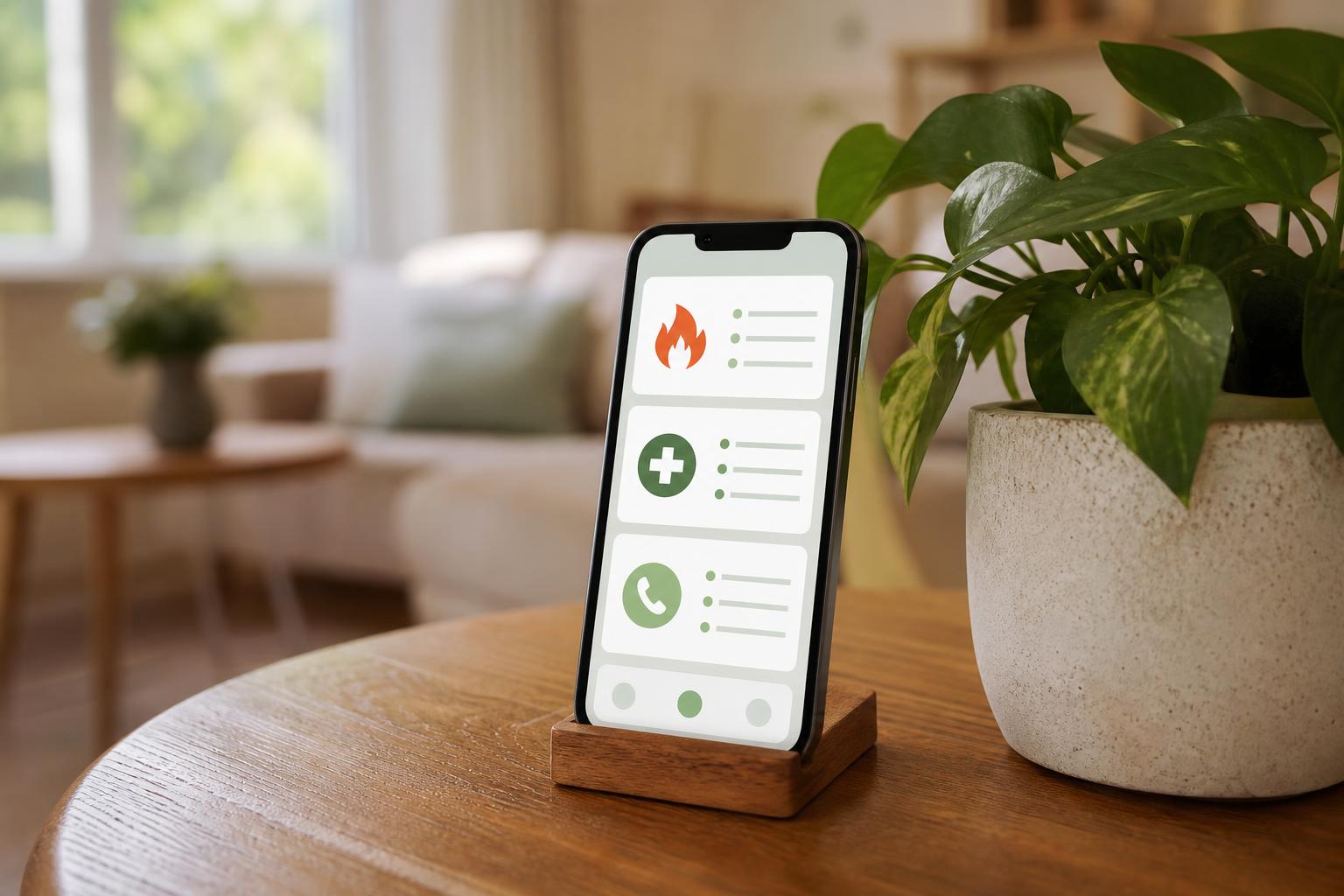
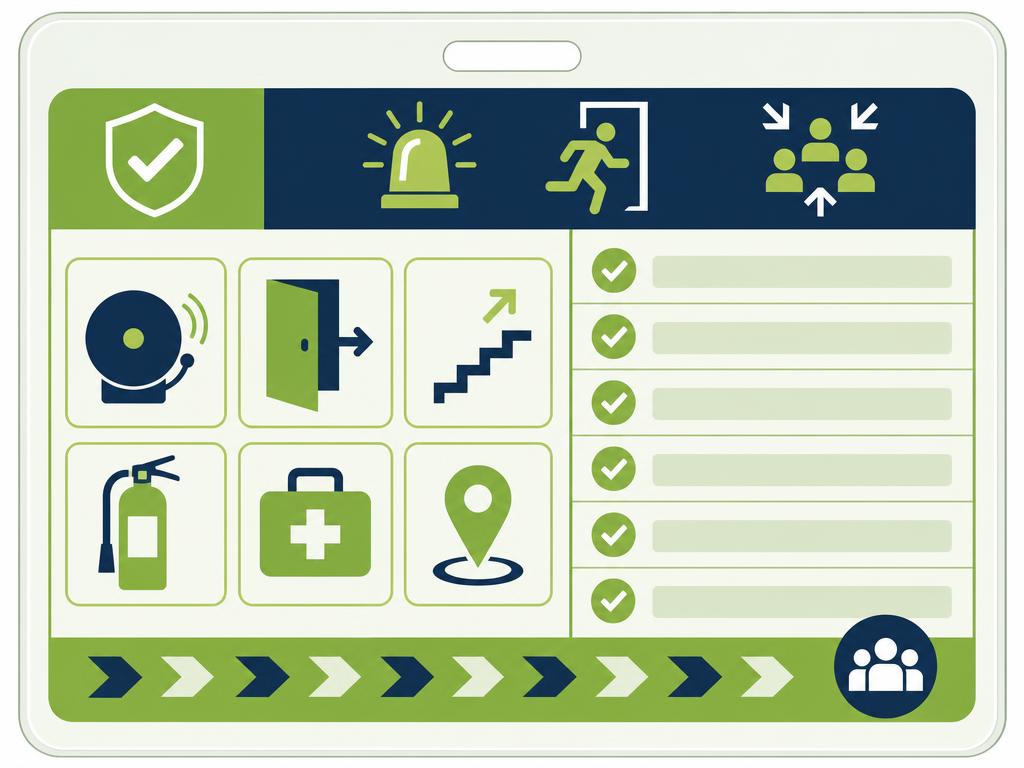
Universal icons enhance comprehension across language barriers. Use red for fire/danger, blue for water issues, yellow for caution, and green for safe/help. A red flame icon next to fire extinguisher location, a blue water drop next to the water shutoff, and a green phone icon next to emergency contacts requires zero language processing. Icons should be simple, large (minimum 1-inch square), and immediately recognizable.
Mobile-first formatting
Mobile-first formatting means designing for vertical scrolling on small screens. Each emergency type should fit within one screen view without scrolling. Use short lines (maximum 8-10 words), lots of white space, and clear separation between different emergency types. Test your digital instructions by viewing them on an actual phone in dim lighting. If you struggle to read them comfortably, your guests definitely will.
Write Instructions Panicked Guests Follow
Instructions that panicked guests actually follow use action-first language structure, where the very first word tells guests exactly what to do: "Leave," "Call," "Turn off," "Press." This structure eliminates processing time and gets guests moving immediately in the right direction, which matters enormously during genuine emergencies.
Action-first language structure
Compare these approaches. Poor: "If you should happen to smell gas, it would be advisable to evacuate the premises and contact emergency services." Better: "Smell gas? Leave now. Call 911 from outside. Don't use lights or phones inside." The second version uses imperative verbs (leave, call, don't), eliminates unnecessary words, and creates clear, sequential steps. Every instruction should start with a verb.
Reading level and sentence length
Target a fifth-grade reading level for emergency instructions. This isn't condescension; it's cognitive science. Under stress, everyone's reading comprehension drops to elementary levels. Use common words, avoid jargon, and keep sentences under 15 words. "The electrical service panel is located in the utility closet" becomes "Circuit breakers: utility closet." Shorter is always clearer during crises.
Step-by-step vs paragraph format
Step-by-step formatting with numbered or bulleted lists always outperforms paragraph format for emergency instructions. Paragraphs require guests to extract action items from flowing text. Lists present discrete, sequential actions that stressed brains can process individually. Format every emergency as: Problem identification (bold header) followed by 2-4 numbered steps maximum. If you need more than four steps, the instructions are too complex for emergency use.
What to avoid in emergency copy
Avoid conditional language ("if," "might," "could," "possibly"), passive voice ("should be contacted," "can be found"), and explanatory details that don't change actions. Never include liability disclaimers in emergency instructions; save those for your rental agreement. Don't apologize or explain why something is a certain way. During a crisis, guests need directions, not context. Eliminate every word that doesn't directly contribute to solving the immediate problem.
Conclusion
Emergency instructions that work during actual crises look nothing like traditional house manual content. They're shorter, simpler, more visible, and specifically designed for human brains under extreme stress. By positioning critical safety information in both physical and digital locations, using action-first language, and ruthlessly eliminating anything non-essential, you create instructions guests can actually find and follow when seconds matter. The goal isn't comprehensive documentation; it's effective crisis communication.
Remember that the best emergency instructions are ones your guests hopefully never need but can instantly access if they do. Test your current setup honestly: if you woke up disoriented at 3 AM in your own rental, could you find and follow your emergency instructions within 30 seconds? If not, your guests certainly can't either. Simplify, clarify, and make safety information impossible to miss.
Ready to ensure your guests always have emergency instructions at their fingertips? Create your digital guest guide today and give every guest instant access to critical safety information on the device they'll actually grab during a crisis: their phone.